AM32
AM32 does not support Dshot150, use at least Dshot300!**
Take Arduino nano, flash AM32 firmware tool, according to Method 2 in the manuel: https://github.com/AlkaMotors/AM32-MultiRotor-ESC-firmware/wiki/Arduino-PC-Link
From https://am32.ca/downloads tab Tools download ESC Config Tool
Download Firmware for your ESC from https://am32.ca/downloads tab Releases.
Connect signal pin from ESC to Arduino pin D3 and connect ground.
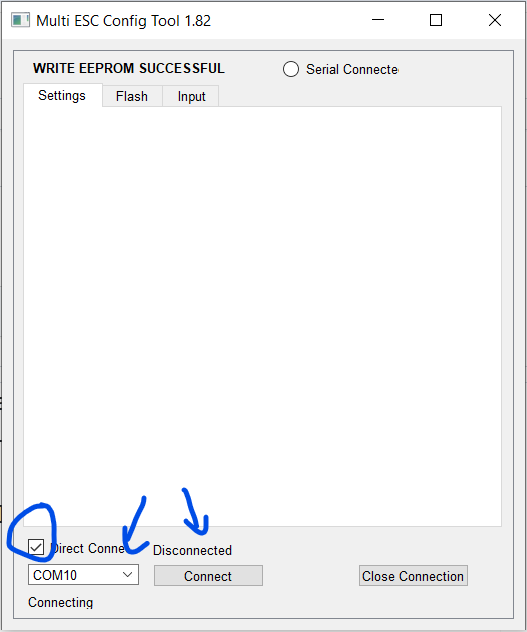
Open ESC Config Tool.
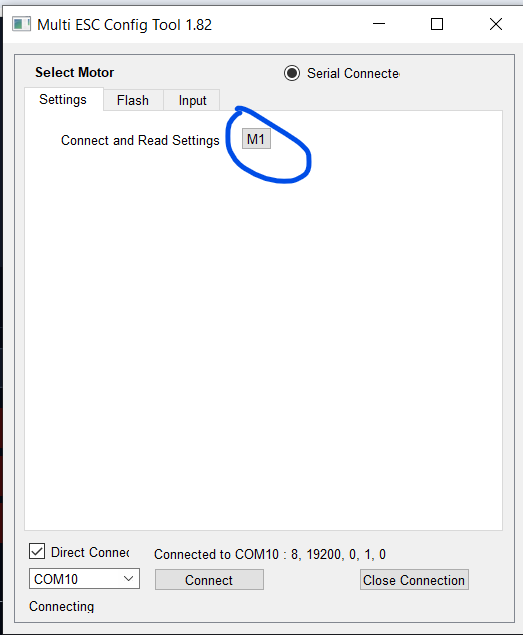
Click on M1 to connect to ESC
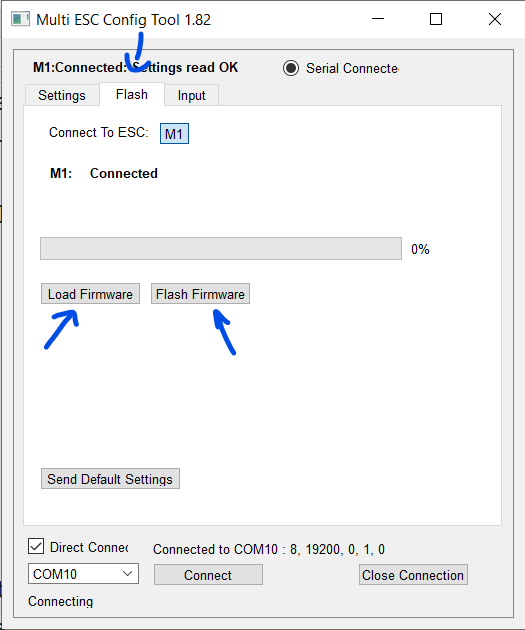
Load firmware to ESC Config Tool,than Flash firmware.
You can change direction and other params. Set the correct number for KV (number on motor) and the number of poles (amount of magnets in motor). Than click Save Settings.
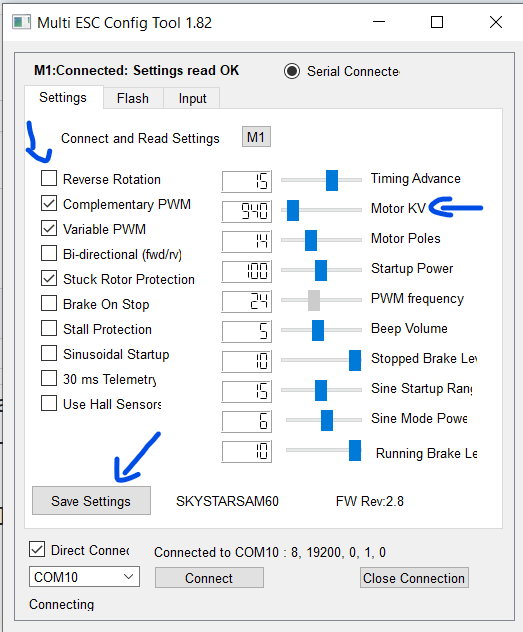
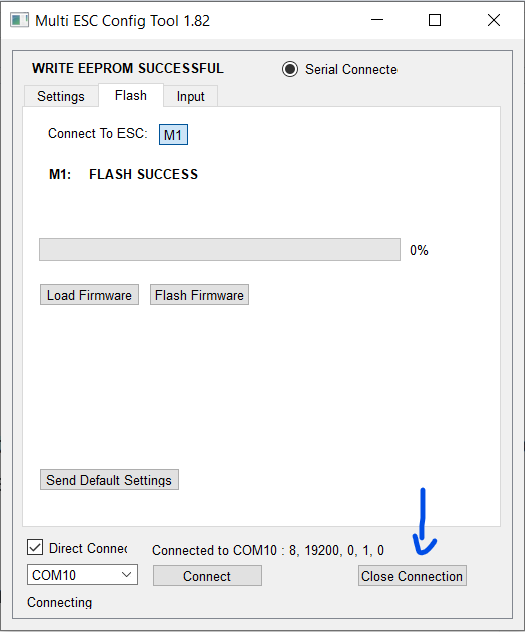
After finishing, click close connection and continue with other ESCs.