WiFi Antenna Testing
Different configurations of the NUC WiFi antenna attachment were tested to establish which one offers the best performance. The tested variants are:
- Original NUC case with antennas attached by a conductive tape (OEM solution)
- Antennas just laying on top of the cooler, not attached
- Antennas attached with a thick layer of hot glue to the cooler (gap between the antenna and cooler)
- Antennas isolated from the cooler by non-conductive tape
- Antennas directly taped to the cooler
- Antennas directly taped with a conductive tape to the cooler
- Antennas soldered to the cooler
All the variants are shown in the following images:
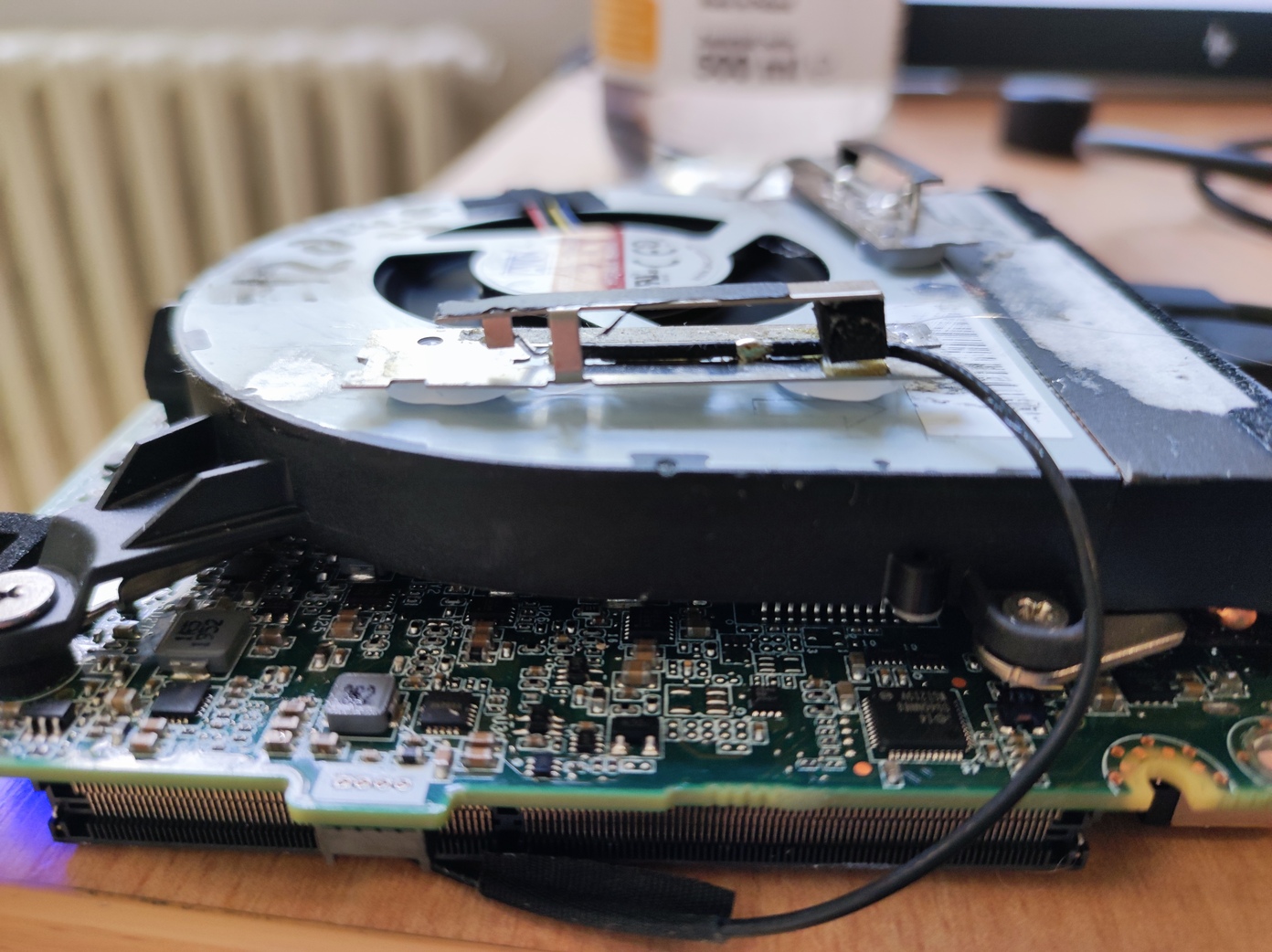
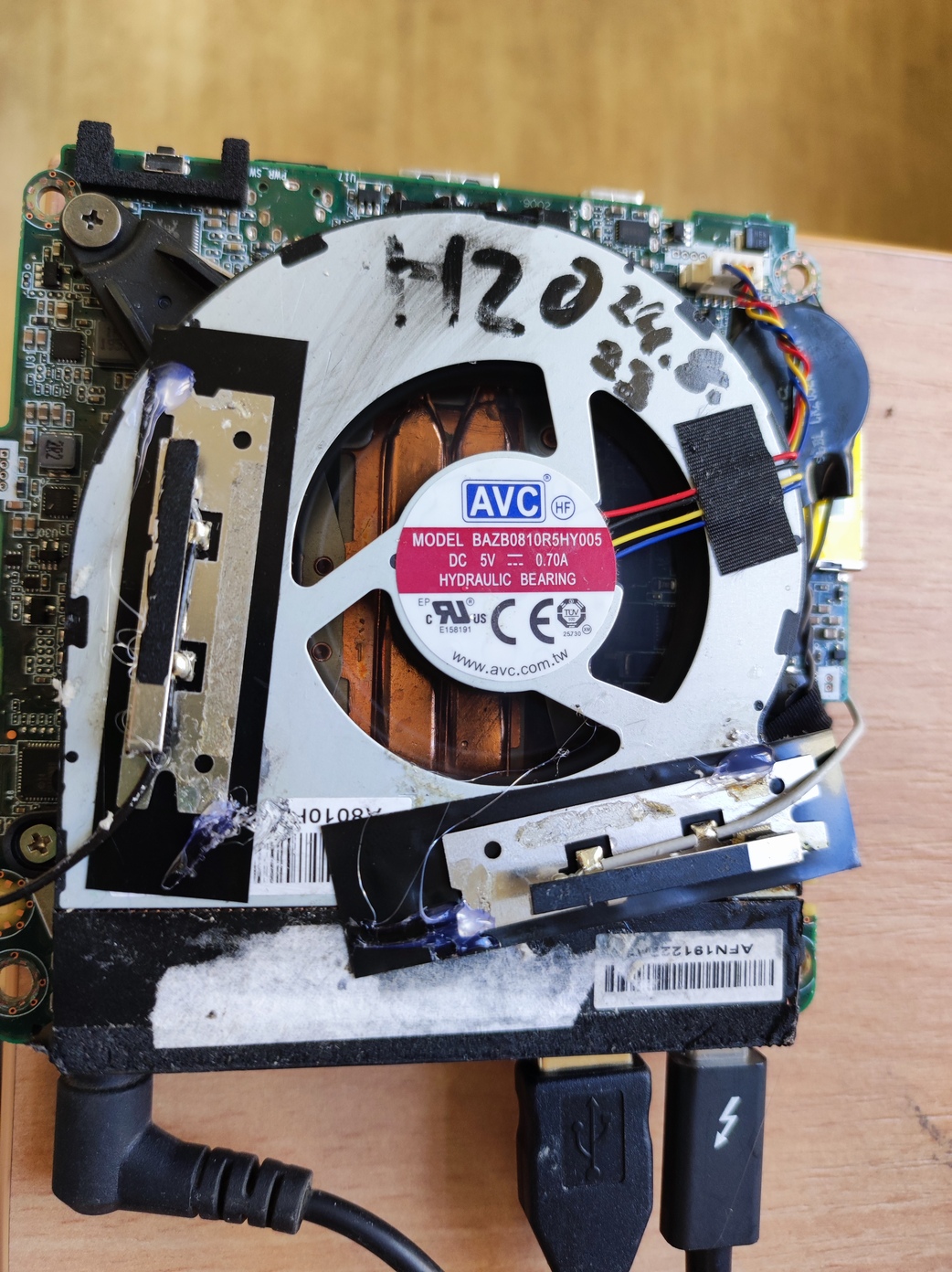
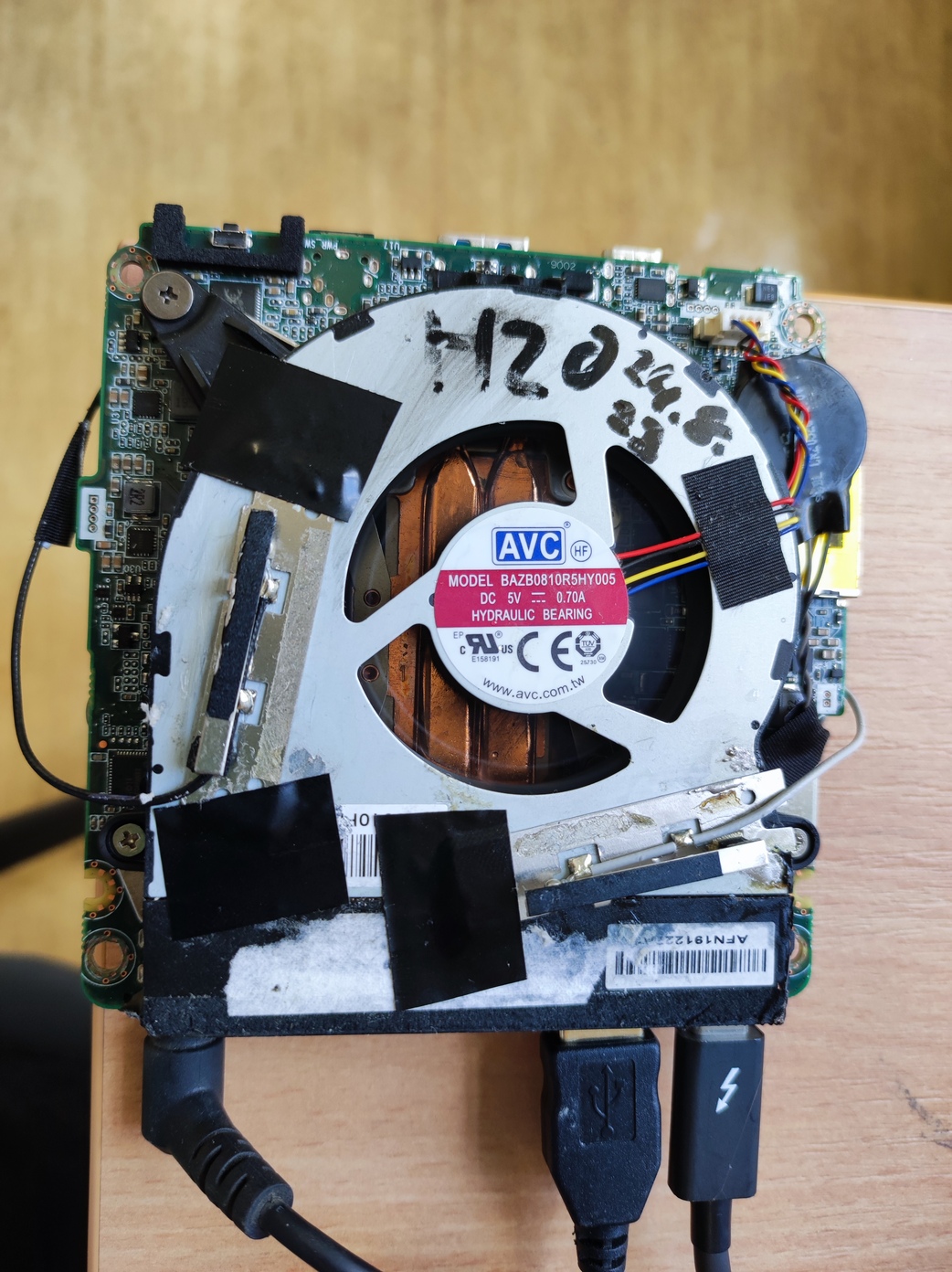
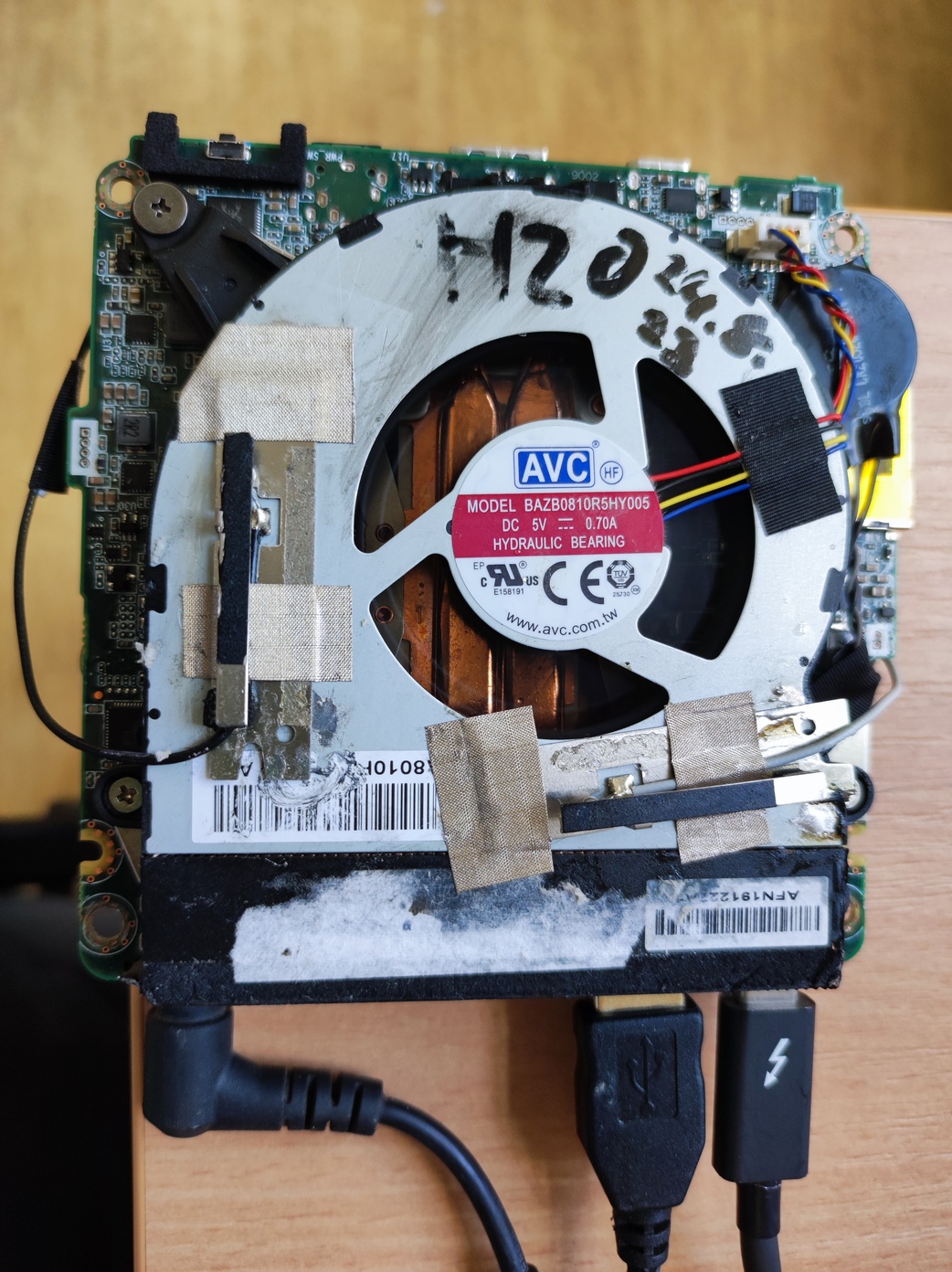
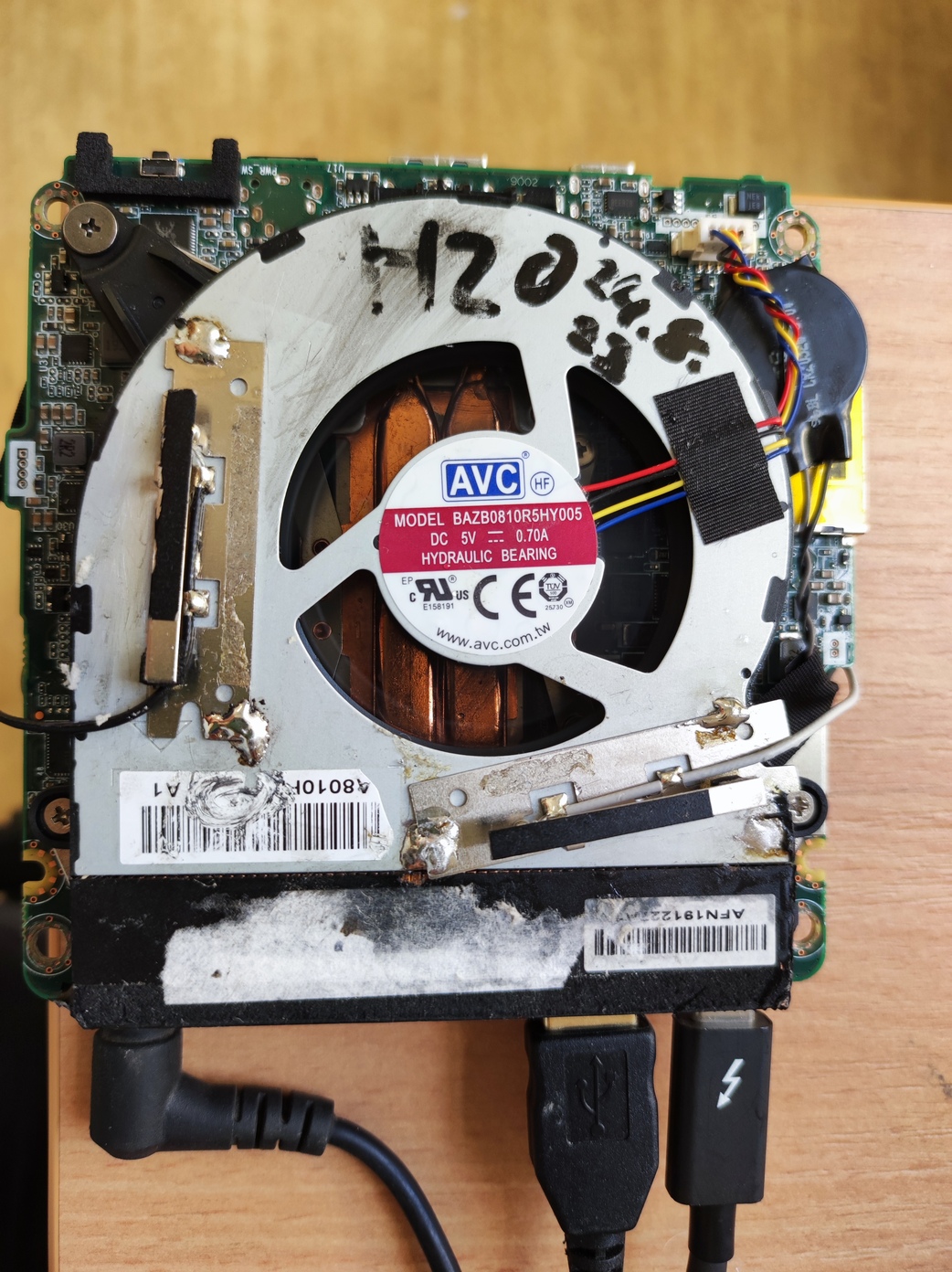
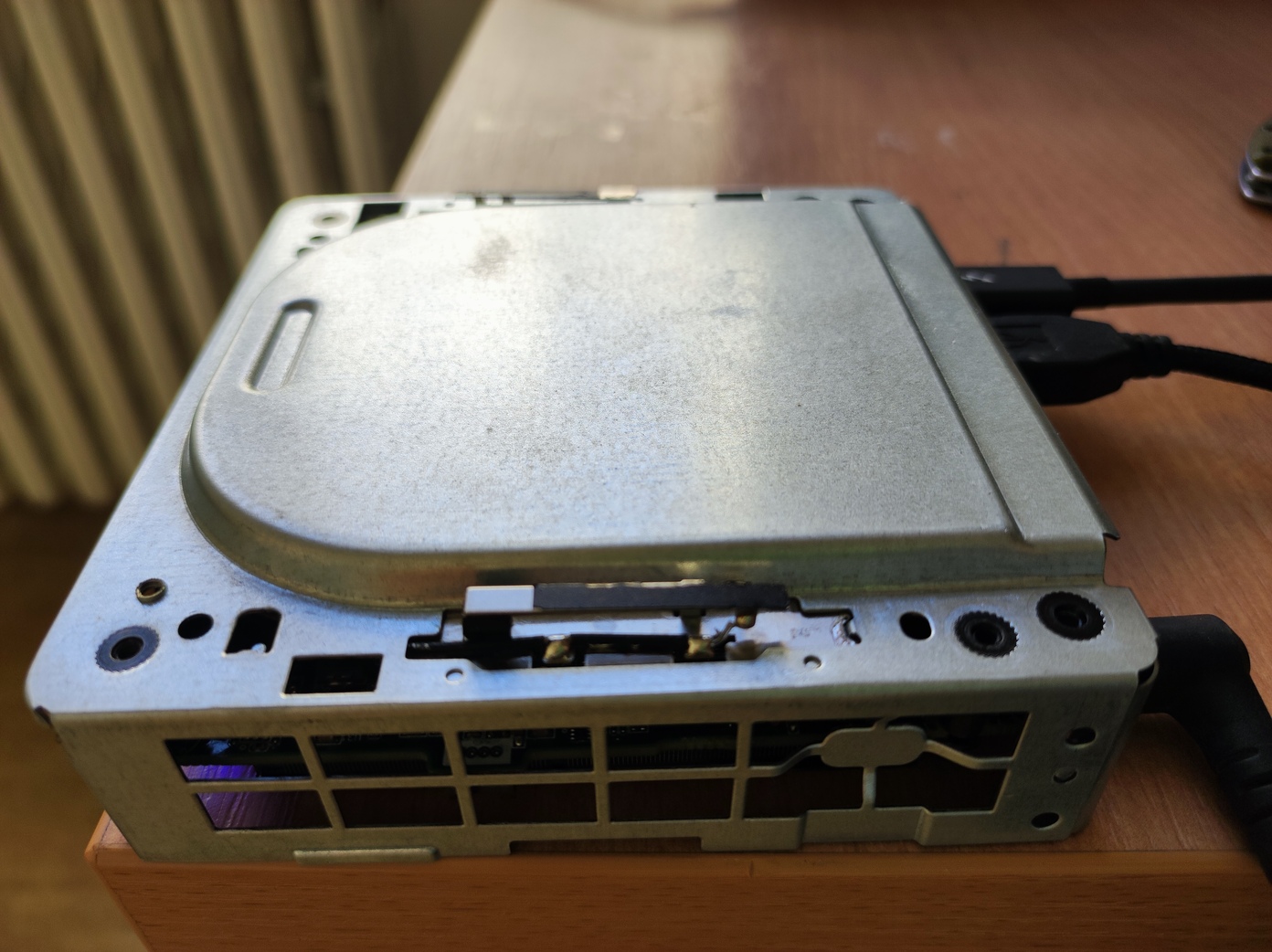
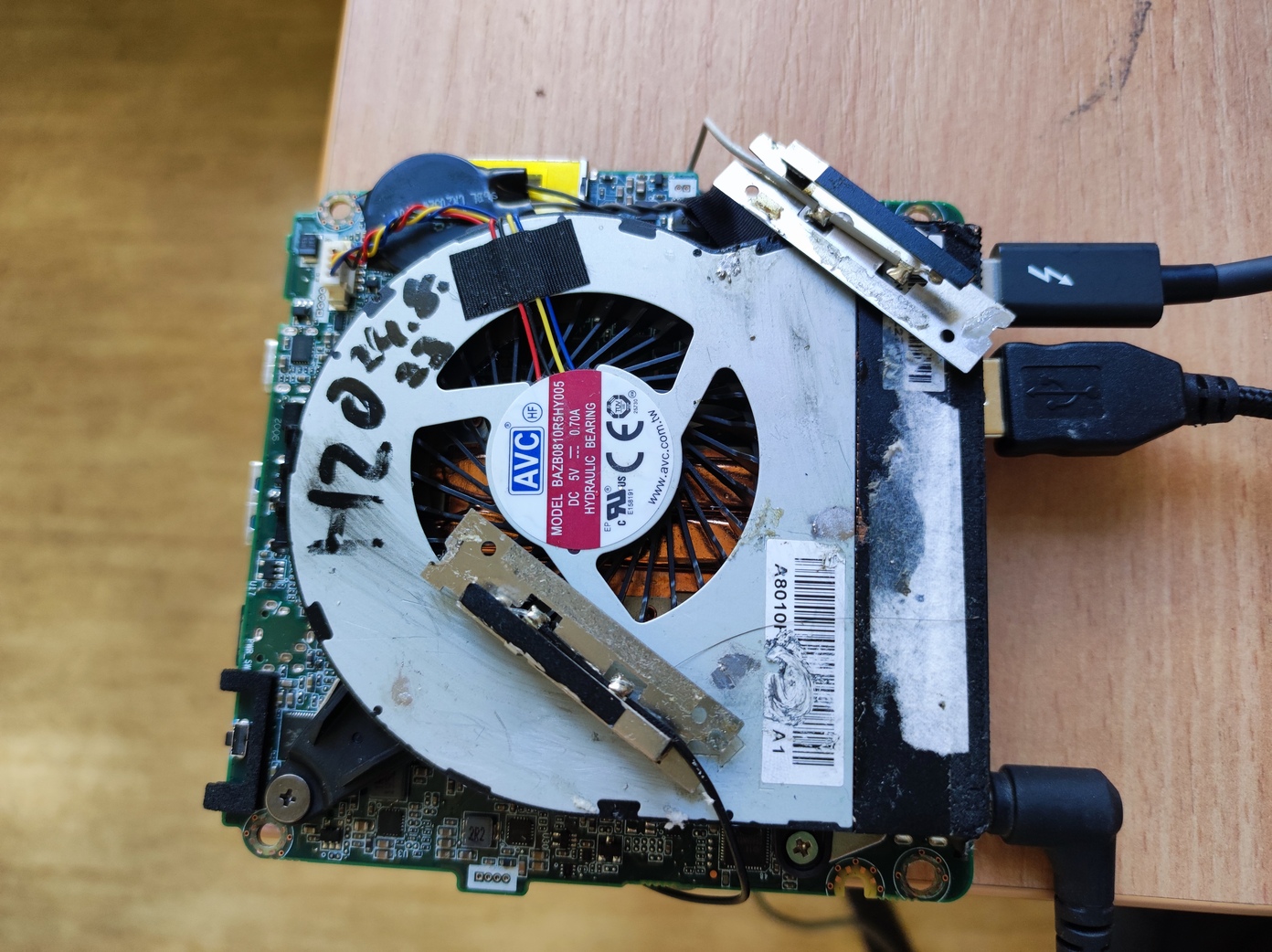
The setup was tested in the hallway in front of the MRS lab, with two ranges to the WiFi router and two orientations (90° to each other) of the NUC computer. The signal strength was read out with the "iwconfig" command, and the best dBm value which was seen is recorded in the table.
Results at long range (dBm - higher number is better)
| Setup | dBm | dBm (90°) |
|---|---|---|
| OEM | -80 | -79 |
| Just laying | -82 | -81 |
| Thick HotGlue | -77 | -78 |
| Isolated by tape | -78 | -79 |
| Direct tape | -80 | -78 |
| Direct conductive tape | -77 | -78 |
| Direct soldered | -78 | -77 |
Results at short range (dBm - higher number is better, OEM solution was not tested this time)
| Setup | dBm | dBm (90°) |
|---|---|---|
| OEM | N/A | N/A |
| Just laying | -58 | -63 |
| Thick HotGlue | -57 | -64 |
| Isolated by tape | -57 | -61 |
| Direct tape | -58 | -63 |
| Direct conductive tape | -55 | -63 |
| Direct soldered | -53 | -61 |
As you can see, the tests are pretty inconclusive, all of the methods show very similar results, and can be considered as within the noise of the measurement. There is a slight trend, especially in the short range test towards the more direct and conductive solutions, but this might be just a testing-related error.