Ouster
Description
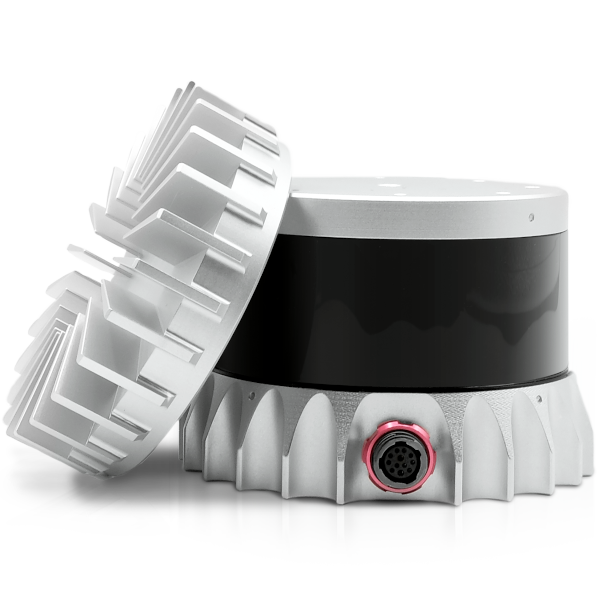
Ouster - 3D rotating scanning lidar
Specs:
- Weight: 500g (430g without the top cooler cap)
- lines: 16, 32, 64 or 128 vertical lines
- Range: 0.5m to up to 100m, depending on version and conditions
- Update rate: up to 20Hz
- FOV - 90° (OS-0), 45° (OS-1)
Mounting to the UAV
The sensor is attached usually to the top of the UAV so that it is protected in case of a crash. Aluminum cage is usually used around the sensor to increase protection. Make sure that the field of vision of the sensor is not blocked by other parts of the UAV and cables!
The lidar is equipped with a top cooler cap, this can and should be removed to save weight! The lidar will get enough cooling from airflow during flight. If the lidar is used in a stationary task, use the top cooler, and consider adding a fan.
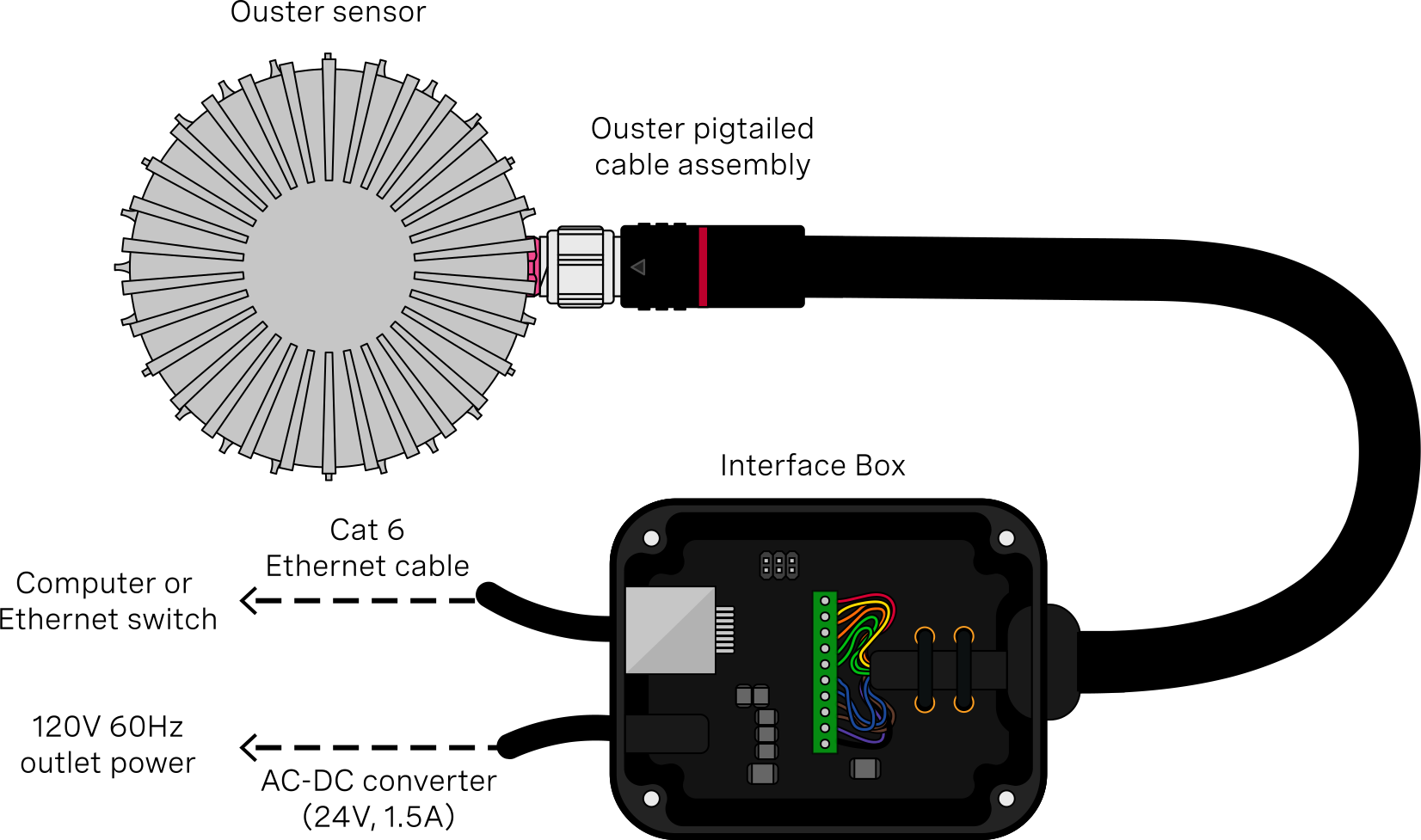
Connection The sensor has a custom cable which is terminated at an interface board, where it splits into DC power jack for power and RJ-45 connector to transfer data. Shorten the custom cable to be as short as possible, to save weight. Also remove the plastic cover of the interface box to save weight. You need to provide power to the sensor by a separate jack connector. Nominal voltage is 24V at 1.5A, but direct connection to a 6S battery is also possible, as the voltage range of the sensor is actually 22-26V. Connect the sensor to the NUC with a cat5e or cat6 Ethernet cable, keep it short!
GNSS interference:
- The sensor does interfere with GNSS, biggest noise is inside of its FOV. Good place to put GPS antennas is right above the sensor.
- The Ethernet cable is not problematic.
Configuration in NUC:
- Get the Ouster driver - https://github.com/ctu-mrs/ouster
- Run the install script in the install folder
- On a new sensor, we need to change the IP address to a static one, follow the guide in readme of the driver repository
- Once the static IP is configured, the sensor is installed and the ros package is compiled, simply run:
roslaunch ouster_ros uav.launch
- The sensor needs some time to spin up and initialize. After some time, the node should print out messages about publishing of the point cloud and imu data. This means the sensor is working.
- You can also verify the data in Rviz.